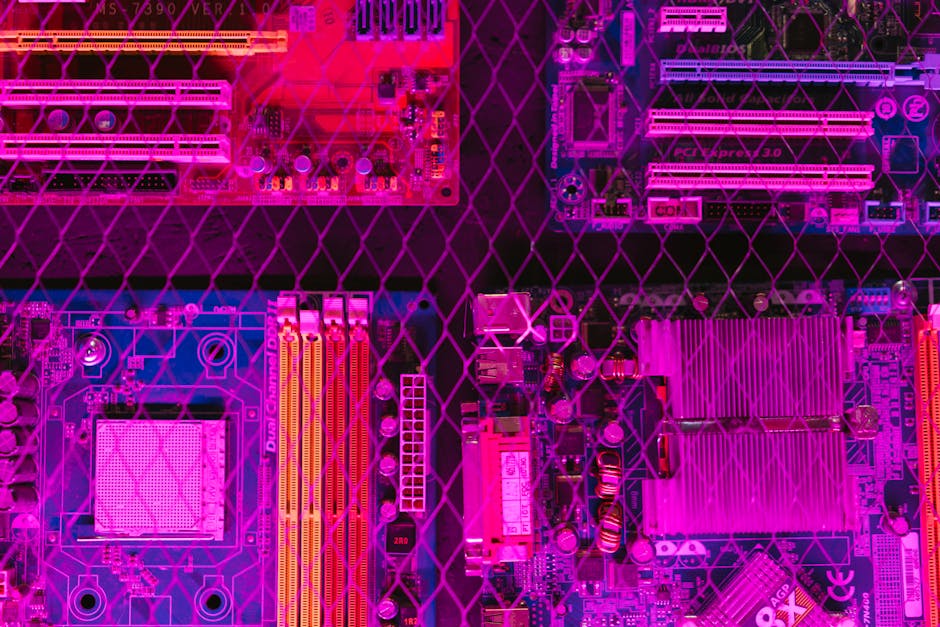
- The Lenovo ThinkPad X61 can now be ported to Coreboot, an open source firmware alternative.
- This development allows users to have more control over their hardware and potentially improve security and performance.
- The ThinkPad X61 has been revived with this new support, making it an attractive option for those seeking an open source solution.
- The porting process involved reverse engineering the original BIOS and adapting it to work with Coreboot.
- The new firmware supports many of the laptop’s original features, including the display, keyboard, and storage devices.
The Lenovo ThinkPad X61 can now be ported to Coreboot, an open source firmware alternative to traditional proprietary BIOS. This development is significant as it allows users to have more control over their hardware and potentially improve security and performance. The ThinkPad X61, a popular model from the mid-2000s, has been revived with this new support, making it an attractive option for those seeking an open source solution.
Technical Details of the Port

The porting process involved reverse engineering the original BIOS and adapting it to work with Coreboot. According to the developer’s blog post, the process was challenging due to the complexity of the ThinkPad X61’s hardware. However, with the help of the Coreboot community, the developer was able to overcome these obstacles and create a functional port. The new firmware supports many of the laptop’s original features, including the display, keyboard, and storage devices. For more information on the technical aspects of the port, visit the developer’s blog post.
Key Players Involved

The development of the Coreboot port for the ThinkPad X61 was led by a single developer, who worked in conjunction with the Coreboot community. The community provided valuable feedback and support throughout the process, helping to overcome technical hurdles and ensure the port’s stability. Additionally, the Coreboot project itself has been instrumental in providing a framework for open source firmware development. The project’s goal is to provide an open source alternative to proprietary BIOS, promoting transparency and customizability in the firmware space.
Trade-Offs and Considerations

While the Coreboot port offers many benefits, including improved security and customizability, there are also some trade-offs to consider. For example, the port may not support all of the laptop’s original features, and some users may experience compatibility issues with certain hardware or software configurations. Furthermore, installing Coreboot requires a certain level of technical expertise, which may be a barrier for some users. However, for those willing to take on the challenge, the rewards can be significant, including a more secure and customizable firmware experience.
Timing and Context

The release of the Coreboot port for the ThinkPad X61 comes at a time when there is growing interest in open source firmware solutions. As concerns about security and privacy continue to mount, many users are seeking alternatives to traditional proprietary BIOS. The Coreboot project, with its focus on open source firmware development, is well positioned to meet this demand. The ThinkPad X61 port is just one example of the project’s success, and it is likely that we will see more devices supported in the future.
Where We Go From Here
Looking ahead, there are several possible scenarios for the Coreboot project and the ThinkPad X61 port. One possibility is that the port will become a popular alternative to traditional BIOS, attracting a large user base and driving further development. Another possibility is that the port will remain a niche solution, primarily appealing to technically inclined users. A third scenario is that the port will serve as a proof of concept, demonstrating the feasibility of open source firmware solutions and inspiring further development in the space. For more information on the Coreboot project and its future plans, visit the Coreboot website.
In conclusion, the Coreboot port for the ThinkPad X61 is a significant development that offers users a more secure and customizable firmware experience. While there are trade-offs to consider, the benefits of the port make it an attractive option for those seeking an open source solution. As the Coreboot project continues to evolve, it will be interesting to see how the ThinkPad X61 port contributes to the growth of open source firmware solutions.
Source: Blog